Last Updated on: September 2, 2026 |
for 1024x768 & higher screen resolution |
Telephone:+1(774)929-7084 |
| >System>GW2 |
Au J1939 to J1939 Gateway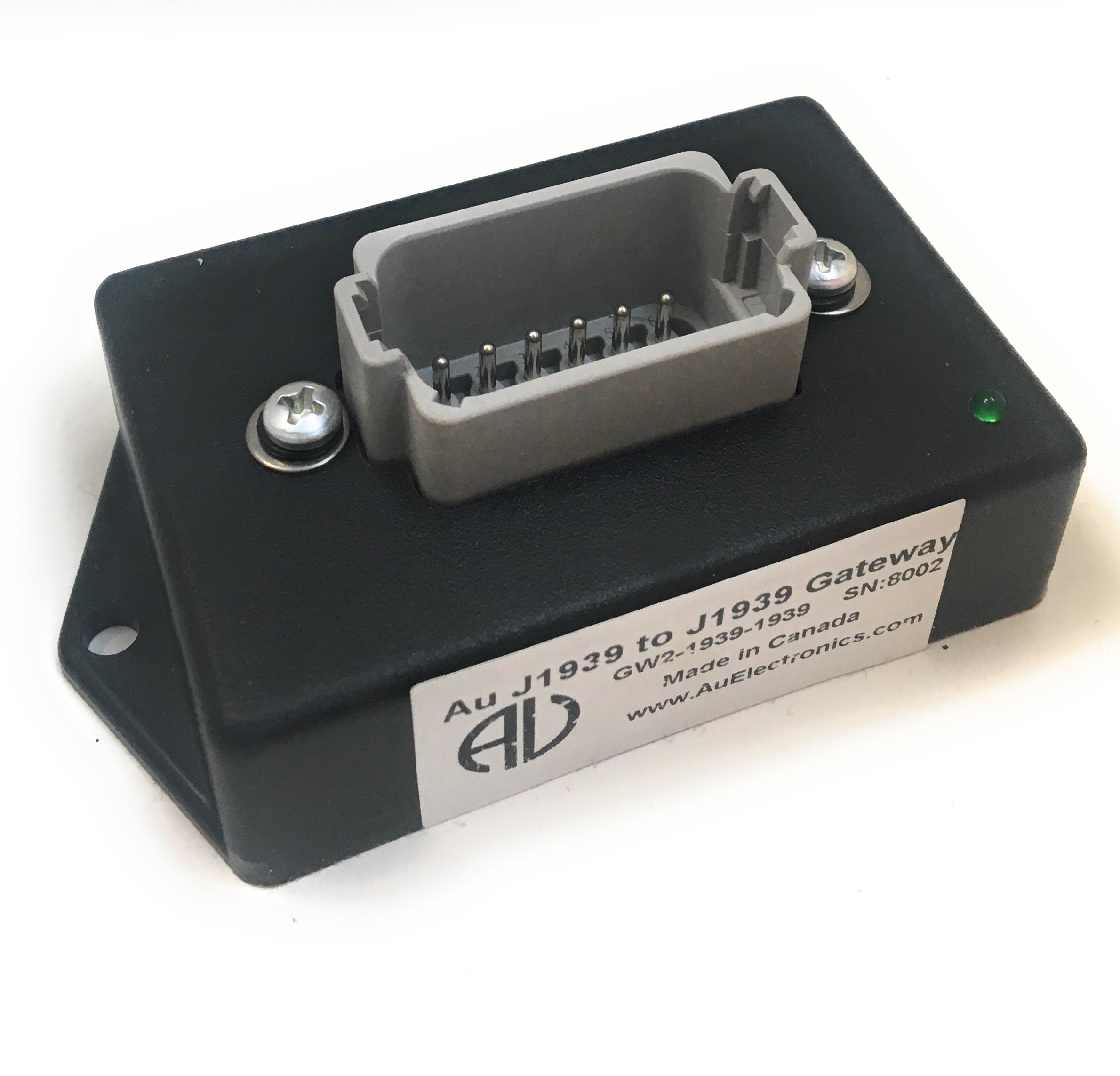
There are two types of Au SAE J1939 to J1939 gateway available. The first product (part # GW2-1939-1939-001) is able to convert SAE J1939 engine data from source address 1 to source address 0. The second product (part # GW2-1939-1939-002) is able to convert SAE J1939 CAN baud rate. Both products share same hardware but different firmware.
Hardware Features
Introduction of J1939 Source Address Gateway (GW2-1939-1939-001)Pin-out of J1939 Source Address Gateway (GW2-1939-1939-001)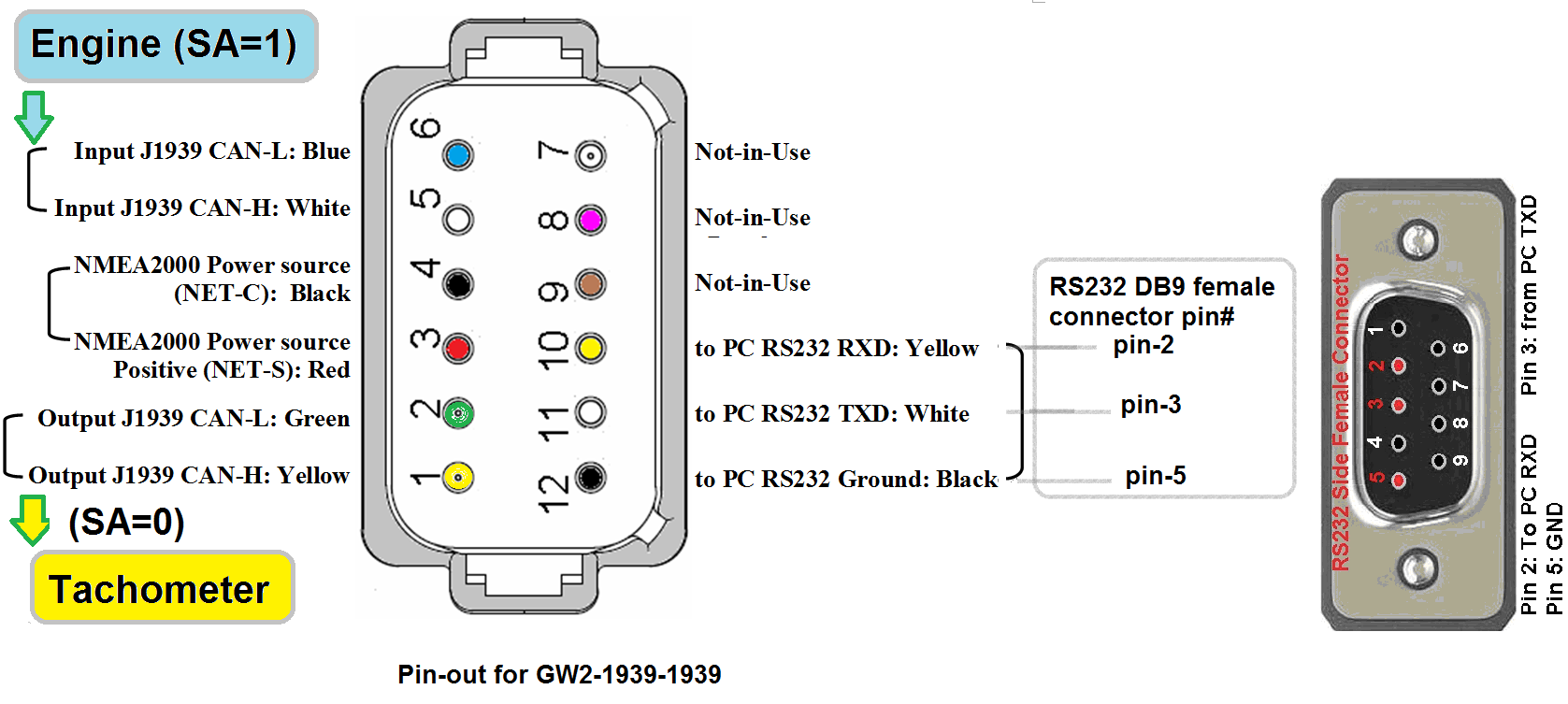
Pin-out of J1939 CAN Baud Rate Gateway (GW2-1939-1939-002)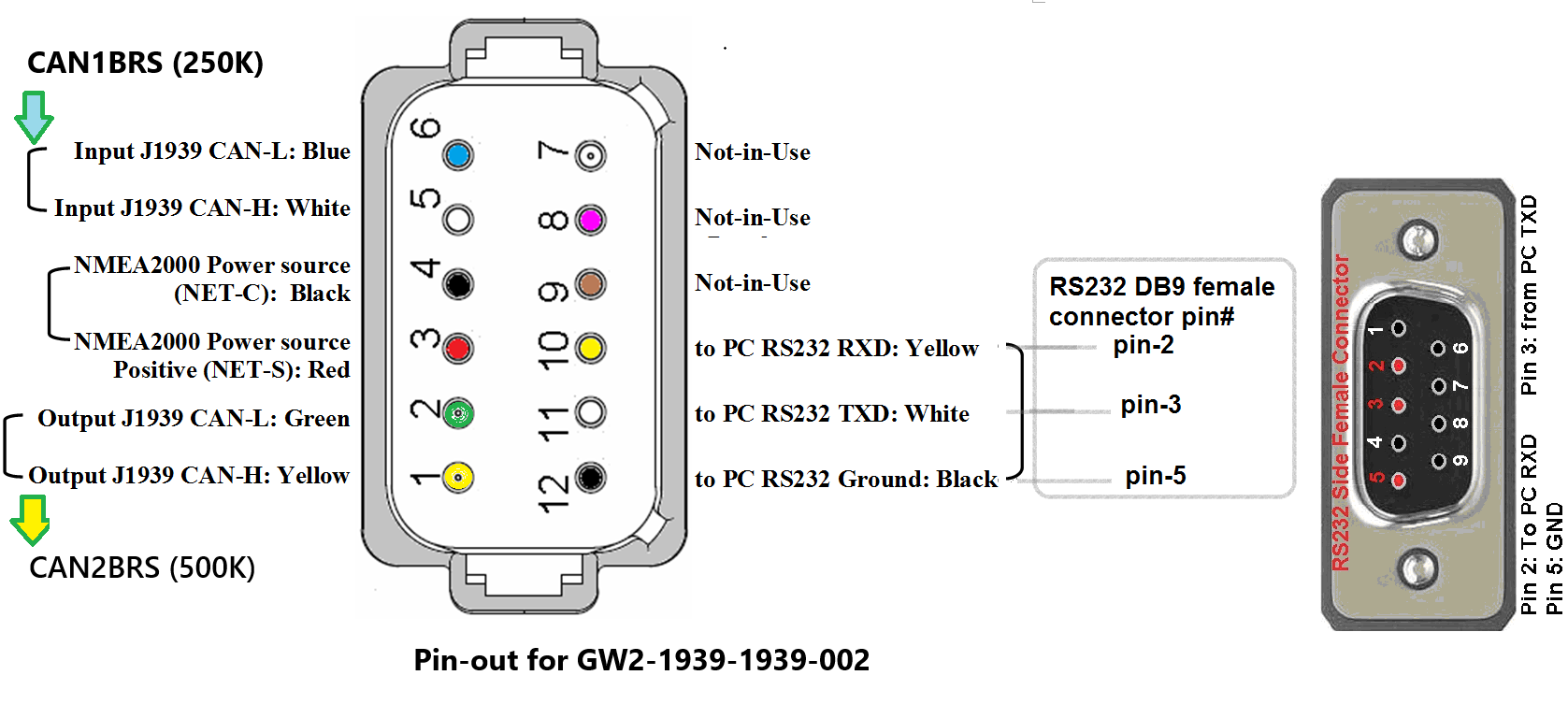
When connecting the GW2-1939-1939-002 to the CAN network, make sure pin-5 and pin-6 are wired for the source network, which is designated as CAN1. You can use use the command For example:
With this setup, the GW2 will convert CAN baud rate from 250K to 500K BPS. Detailed information on configuring GW2-1939-1939-002 to other CAN baud rate provided in the table below.
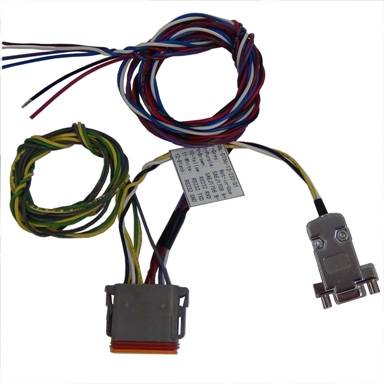
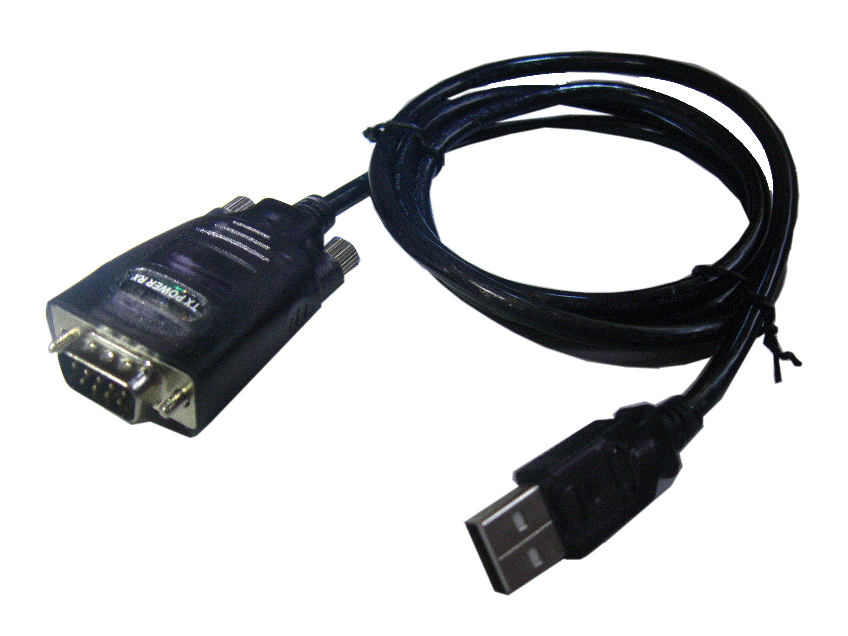
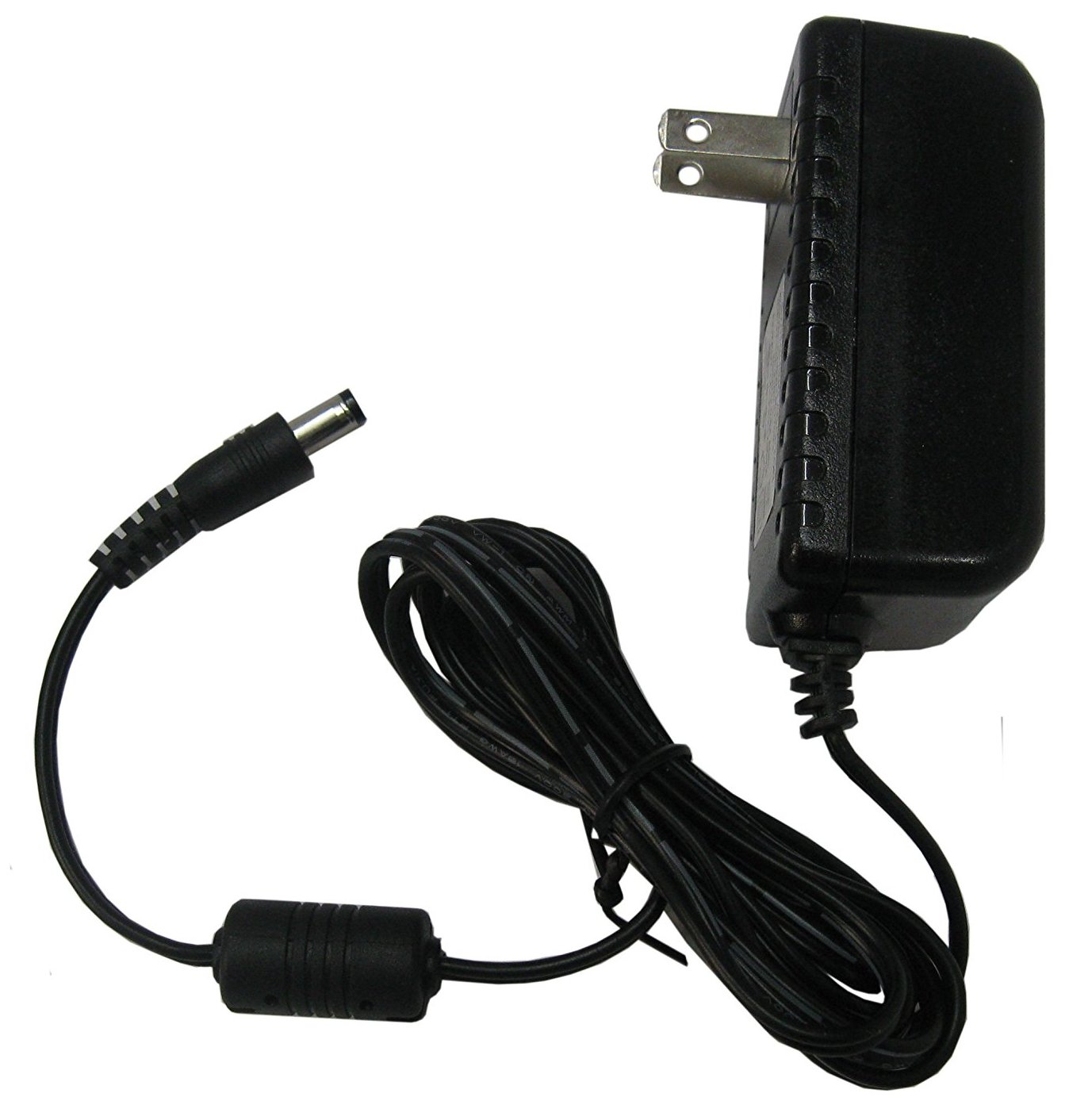
GW2-1939-1939 and Optional Cables
|